Partner Features
Tools designed for professional workflows - built on top of your clients' household records.
Tools for your whole practice
Everything you need to serve the households you work with - and only what each one chooses to share.
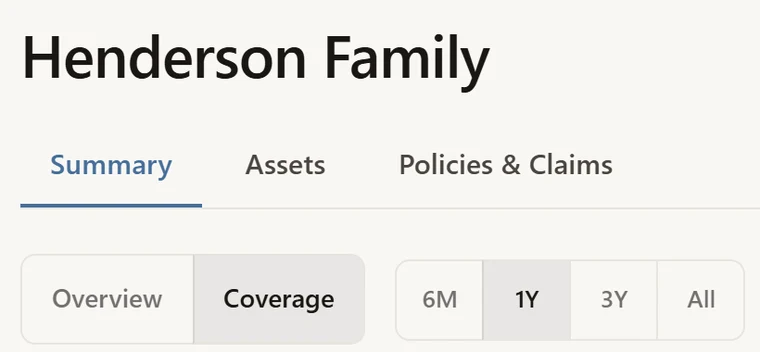
Client workspaces
A workspace for every client: their summary, assets, and policies and claims, as far as they share.
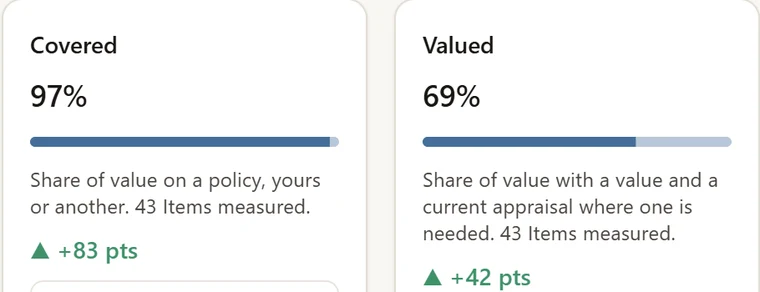
Coverage at a glance
See what's claim-ready, what isn't on a policy, and where limits fall short of values.
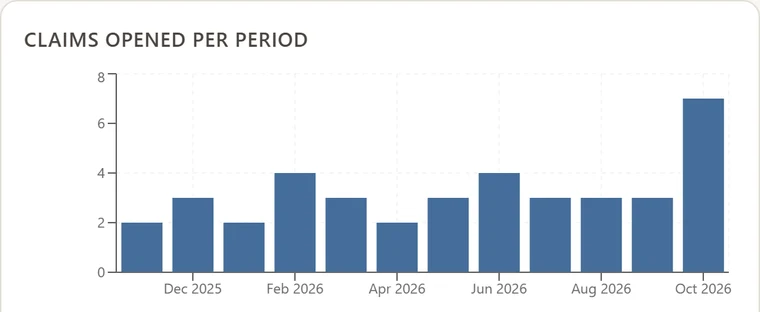
Policies and claims
With the household's permission, add or update their policies and start a claim. They see every change.
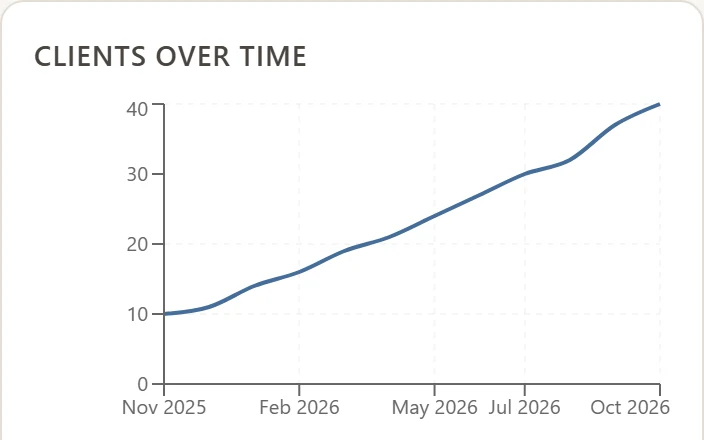
Portfolio analytics
Portfolio health, renewals, claims performance and engagement, across every client.
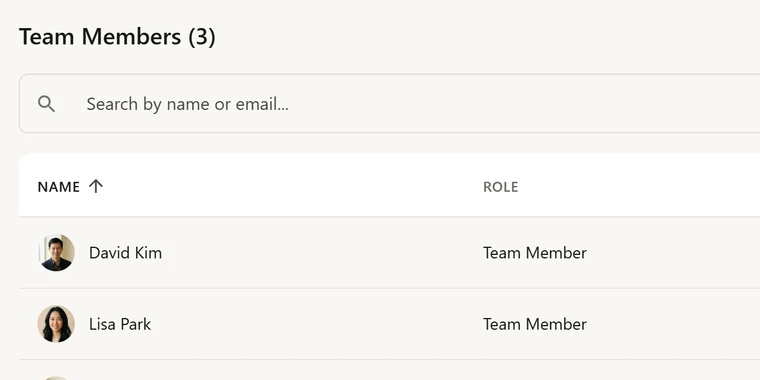
Team management
Admins and team members with clear permissions. Assign each client to the right person.
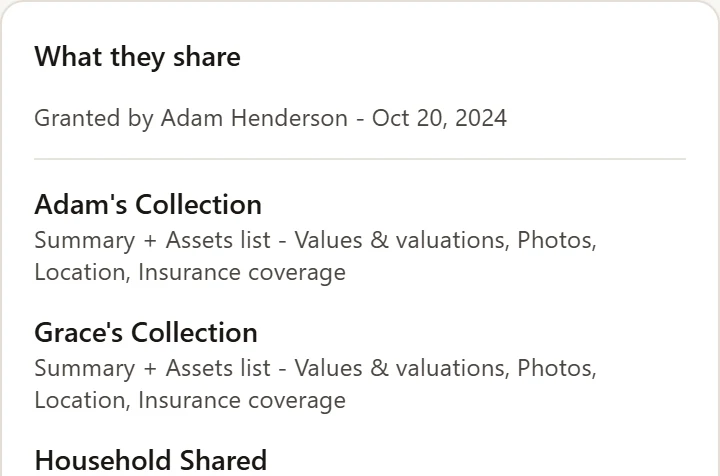
Built on consent
Clients choose what you see and for how long, and every access is logged.
Built for your practice
Each professional sees the part of a household's record that matters to their work, and only what the household chooses to share.
Your clients stay in control
Each household decides how much every professional sees, and can change it or end it at any time.
Not shared
Nothing is shared until they choose to, and sharing can end whenever they like.
Summary only
Totals and breakdowns, with no list of individual items.
Summary + Assets list
Adds the item list: name, category, property and value.
Full Item detail
Each item's page, with only the details they pick: photos, values, documents and more.
They can share everything or a single collection, and set an end date if they want one.
See these features in action
Request access for your practice, or schedule a personalized demo.